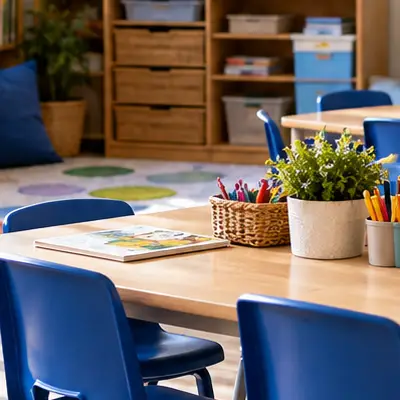
Classroom moments
Share photos of projects, activities and achievements with the families of your class.

From classroom activities and school trips to sports days and special moments, there's always something happening at school worth sharing.
Maple gives your school a private place to share photos, videos and updates with parents and carers, without posting them on public social media.
Get started with Maple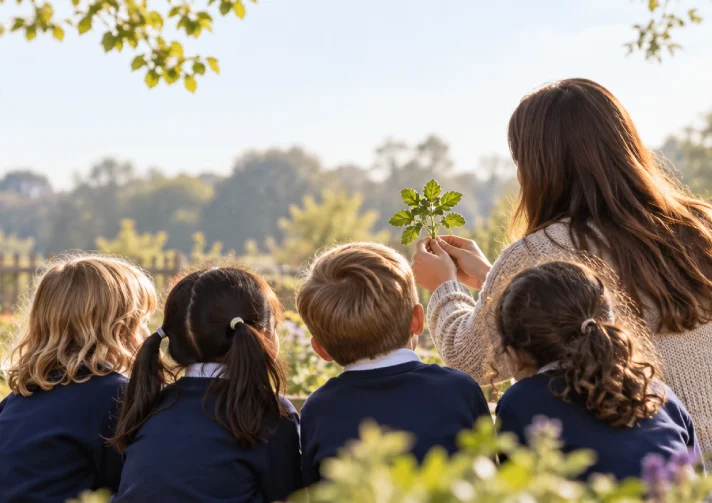
Schools have used Facebook, Instagram and X for years to give parents a glimpse into everyday school life. But sharing photos of pupils publicly isn't always the right approach. Posts can be seen beyond the school community, families may not use the same platforms and staff have to think carefully about what they share.
Maple offers a different approach. Your school gets its own private space, where updates are shared with the parents, carers and staff who have been given access.
From the classroom to the school playground.
There are hundreds of little moments throughout the school year that parents would love to see. Maple gives teachers and school staff a simple way to share them, whether it's a whole-school celebration or something happening in a single class.
Share photos of projects, activities and achievements with the families of your class.

From sports days to performances and assemblies, let families see what their children have been enjoying.
Keep parents informed with photos and updates as the day unfolds.
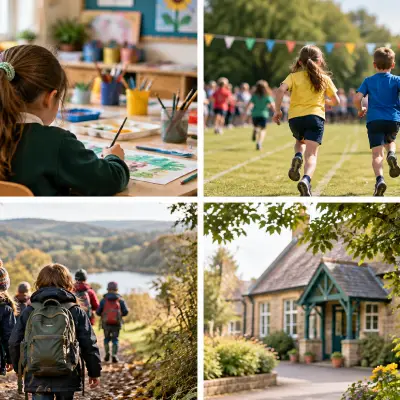
Share news, announcements and reminders with the wider school community.
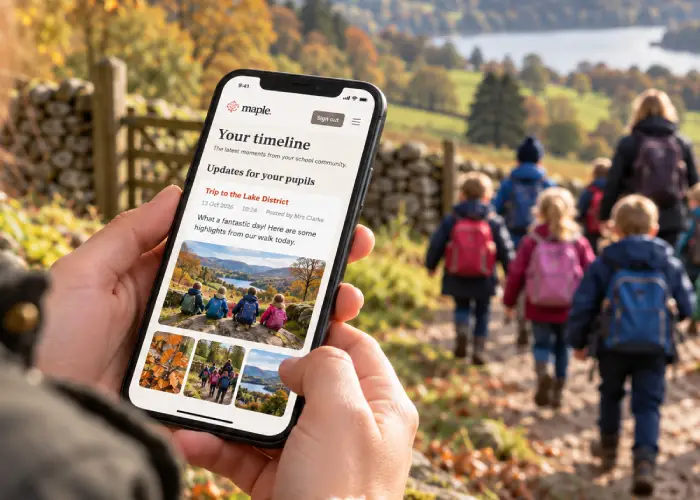
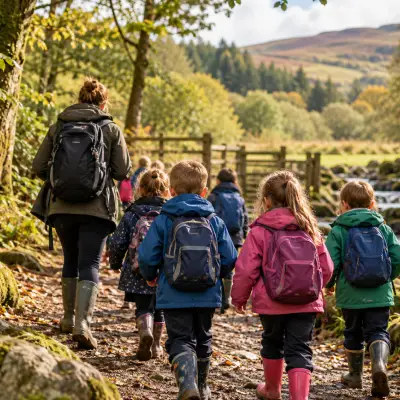
A school residential is a big adventure for pupils, but it can be a worrying few days for parents waiting to hear how things are going.
With Maple, staff can create an event for a trip or residential and share updates throughout the day. Parents can follow along, see photos of the activities and know everyone has arrived safely, without staff needing to post updates publicly.
Sharing photos of children deserves care and consideration. Maple is designed around private communities, giving schools control over who can access their content and where updates are shared.
Maple helps schools share more privately, while supporting the safeguarding and data protection policies they already have in place.
Learn more about privacy at Maple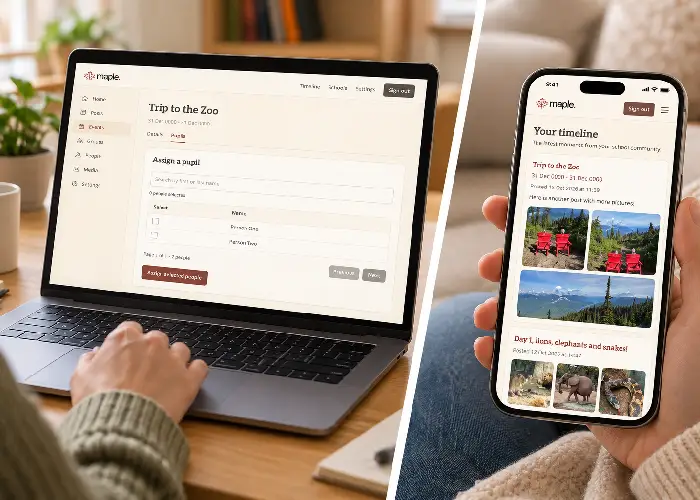
Less time managing posts. More time sharing moments.
Teachers already have enough to do. Maple is designed to make sharing updates straightforward, without needing to learn another complicated school management system.
Create a post, add your photos, choose who should see it and publish. Parents and carers get a private feed showing updates from the classes, groups and events they belong to.
Getting started with Maple is straightforward.
Set up your school's private space in Maple.
Organise your school into the groups you want to share updates with.
Give families access to the parts of your school community relevant to them.
Publish photos, updates and events in your school's private feed.
Yes. Maple gives schools a private alternative for sharing photos, videos, news and event updates with parents and carers. You can continue using public social media for general school promotion while keeping everyday school life within your private community.
Yes. Schools can create groups for different classes or year groups and share posts with the families who belong to them. You can also publish whole-school updates.
Access is based on the groups and events a parent or carer has permission to view. They don't automatically have access to every class in the school.
Yes. You can create events for trips, residentials, sports days and performances, then share photos and updates throughout the event.
No. Maple focuses on sharing what is happening within your school community. It's designed to work alongside the tools your school already uses.
No. Schools still need to follow their own safeguarding, privacy and photo-sharing policies, including checking the appropriate permissions and lawful basis before sharing images. Maple provides a more controlled place to share content, but using a private platform doesn't remove those responsibilities.
Give your school community a calmer, more private way to stay connected.
Get started with Maple